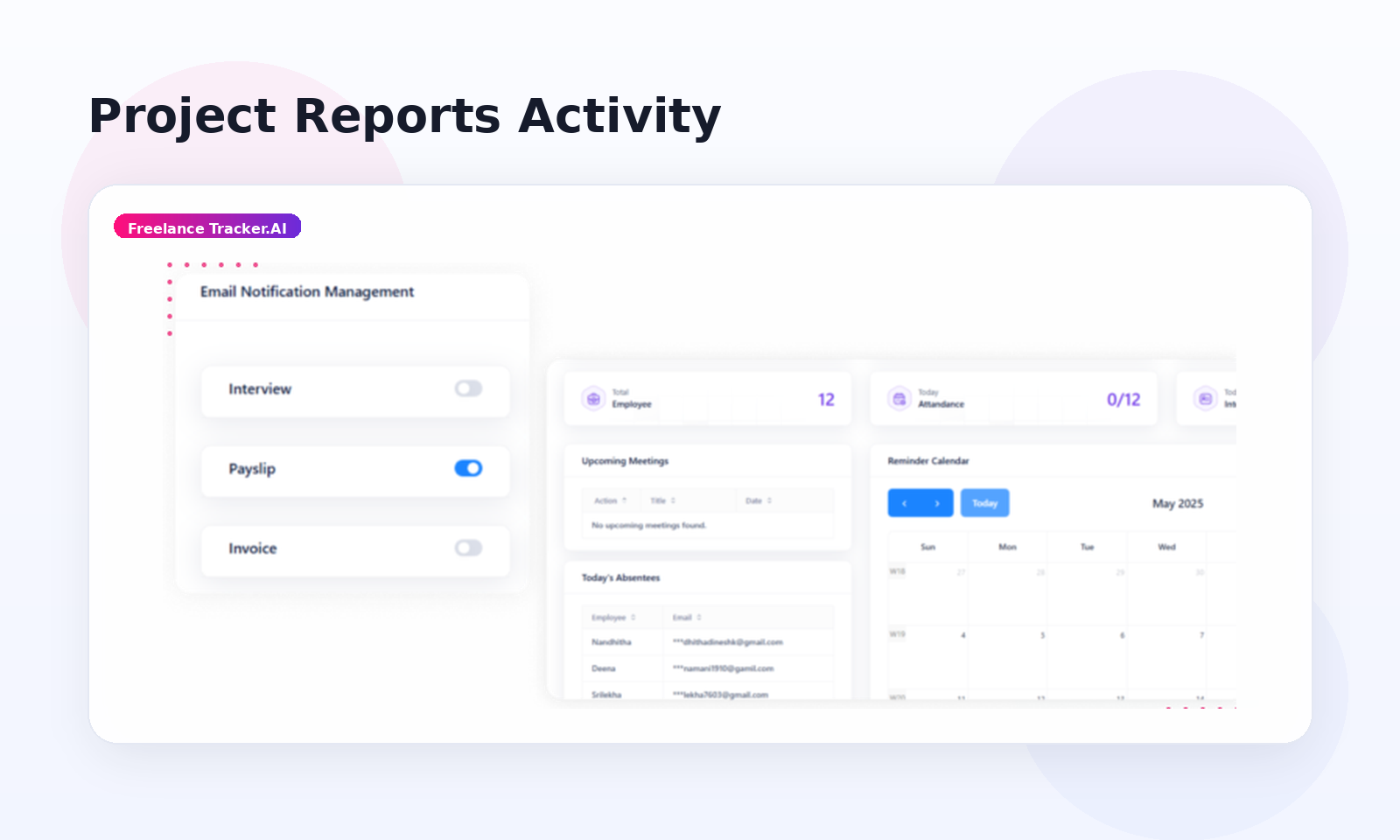
freelancetracker.ai Dashboard will help the client find project reports.
To see the reports available, click on the “Reports” link on your Dashboard.
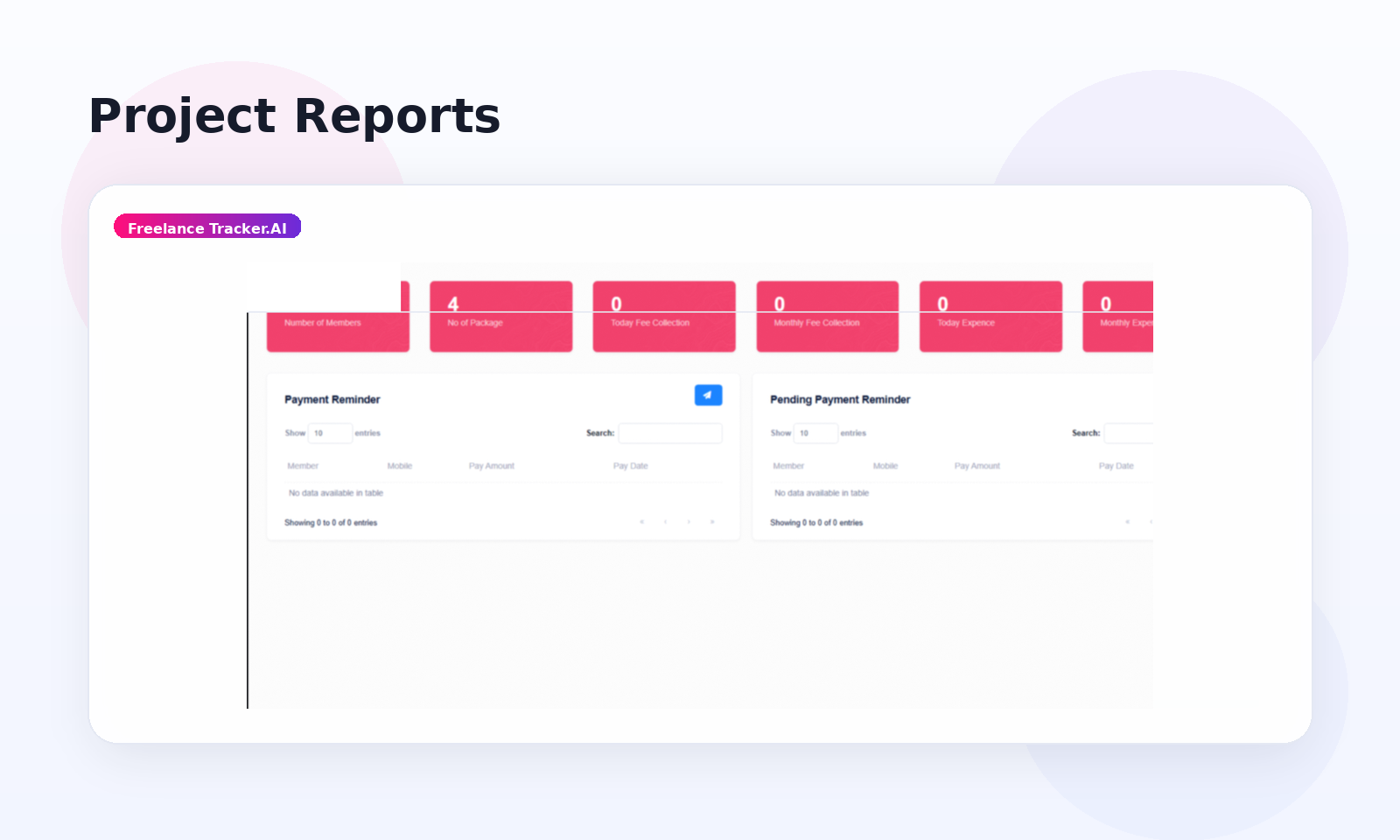
freelancetracker.ai provides two types of reports:
- Payments
- Activity
Payments
The Payments section provides the client with information regarding the account balance, payments, and invoices.
To check the payments, follow these steps:
Hover over the “Reports” link in the website’s header and choose “Payments.”
The Payments page shows overall information on payments and invoices for all projects and freelancers, as well as weekly invoices received.
The Payments section also allows clients to download invoices.
Activity
The Activity section provides screenshots for selected ongoing projects, giving clients real-time insights into project progress.