
freelancetracker.ai offers two types of payment options for hourly-based contracts:
- Standard Billing Based on Tracked Hours
- Manual Payments
Standard Billing Based on Tracked Hours
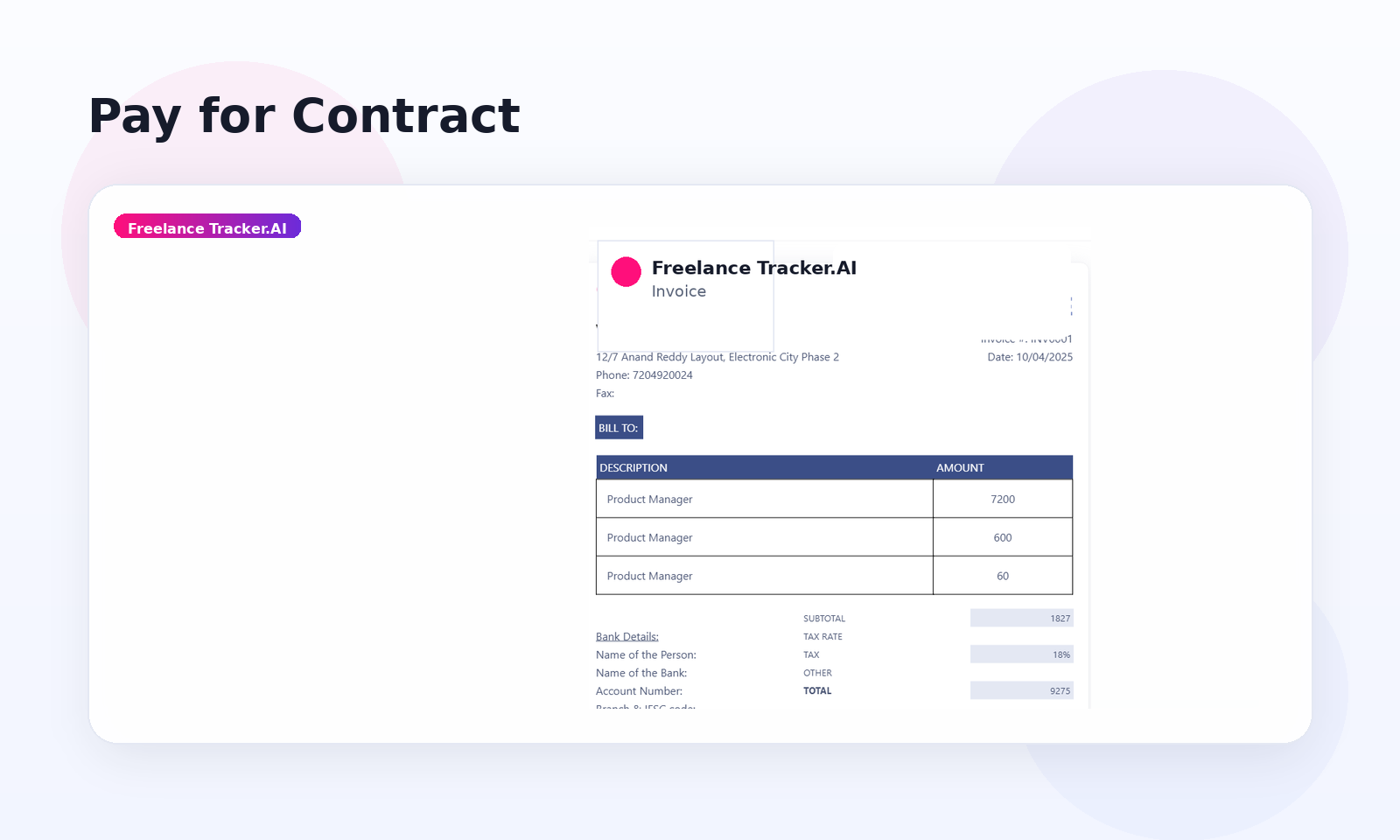
In Standard Billing, the system generates weekly invoices based on the hours tracked by the freelancer using the FreelanceTracker.ai Time Tracker or logged hours.
- Payments will be automatically charged from the billing method linked to the client's account.
- If a client wants to report an issue, they need to file a dispute by the following Friday after the invoice is generated.
Getting an Invoice
Our invoicing system operates as follows:
Clients receive an invoice at the end of each week, detailing the hours worked in the previous week and the corresponding amount charged.
Invoices are generated on Sundays for card/debit card payments and on Mondays for PayPal payments.
If a payment fails or doesn’t occur, unpaid invoices will be generated on Tuesday.
This invoice system applies to both Standard Billing (based on tracked hours) and Manual Payments.
Frequently Asked Questions (F.A.Q.)
What happens with my previous invoices?
Your previous invoices and their details remain unchanged.
Will I get an invoice immediately after payment?
No, invoices are generated at the end of the week. For example, if you make a payment on Monday, the invoice will be issued over the weekend.
What happens if I pay multiple unpaid invoices at once?
If you pay off the entire outstanding balance, including multiple unpaid invoices, you will receive updated invoices marked as paid. The status of unpaid invoices will be updated immediately.
Manual Payments
Clients also have the option to manually pay for projects. Follow these steps:
Navigate to the Projects section on your dashboard and select the project you want to pay for.
Click the View Contract button.
Click Pay to complete the payment.
Paying a Bonus
Clients can award bonuses at any time before the freelancer finishes the project. Bonuses are a way to show appreciation for a freelancer’s dedication and can be paid via PayPal or Credit Card.
Here’s how to pay a bonus in simple steps:
- Go to the Contract page from your dashboard.
- Click on Pay Bonus.
- Enter the amount you want to pay.
- Done! The freelancer will be notified about the bonus.
For more details about FreelanceTracker.ai's billing methods and payment processes, feel free to contact our Support Team.