
To ensure that your password is strong enough, it must be at least 8 characters in length and include at least 1 Upper Case, 1 lower case.
Account password can be changed in the following steps:
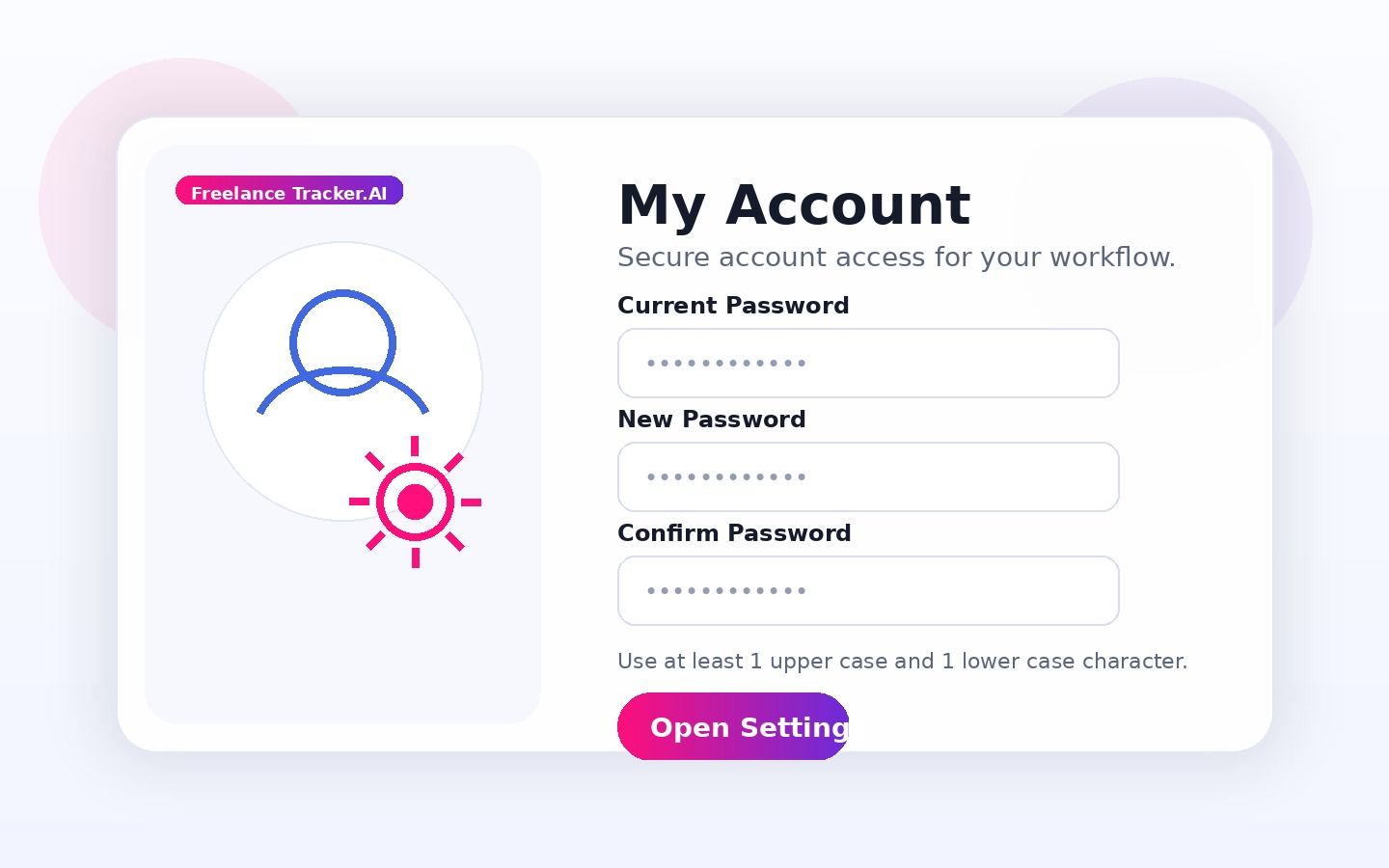
- Go to the “My Account” page on your Dashboard;
- Click on the “Personal Information” link in the “Change Password” section;
- Fill in the “Old Password”;
- Enter the “New Password” and confirm it;
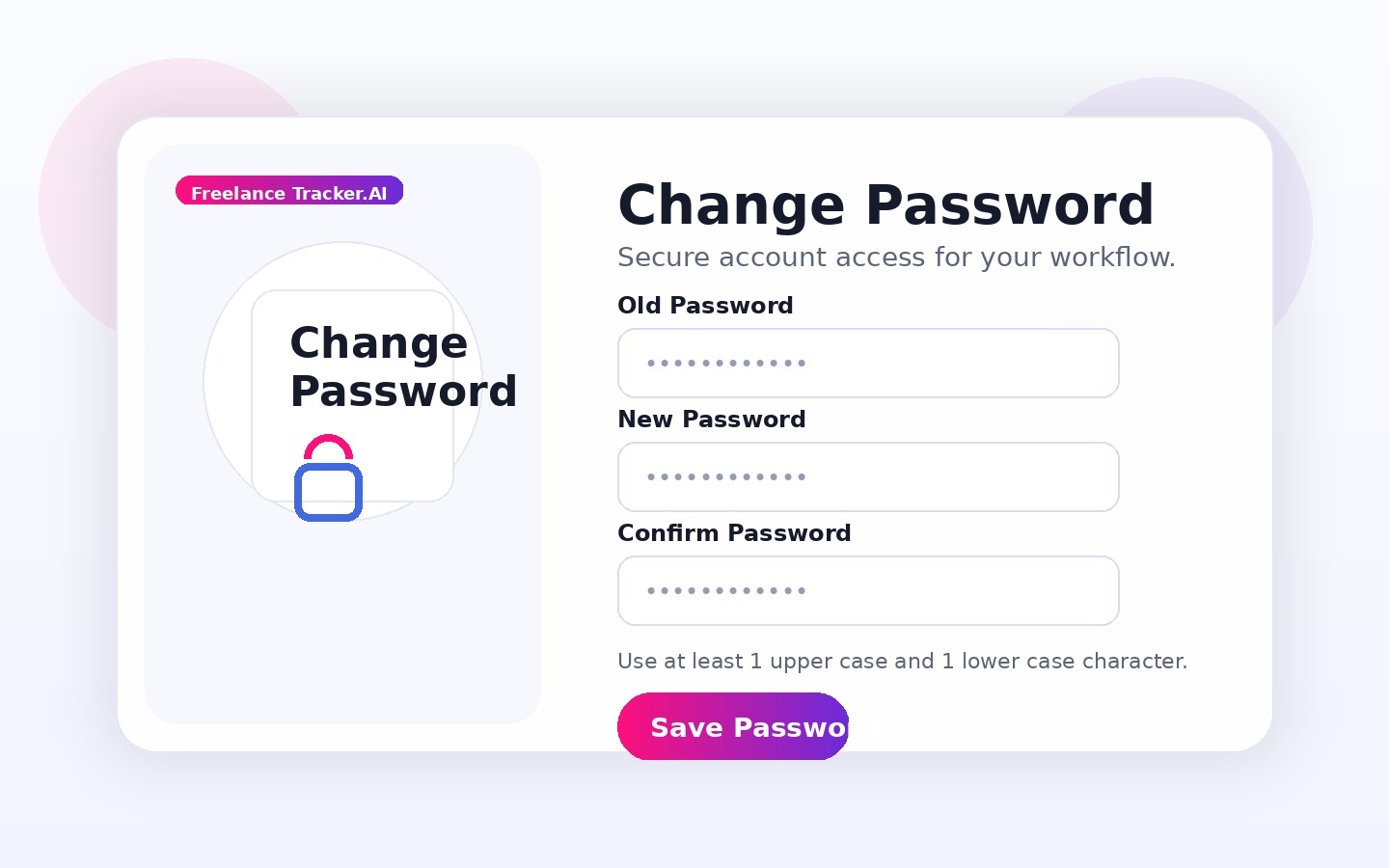
- Click on the “Save” button.